Skip to content

Homecast

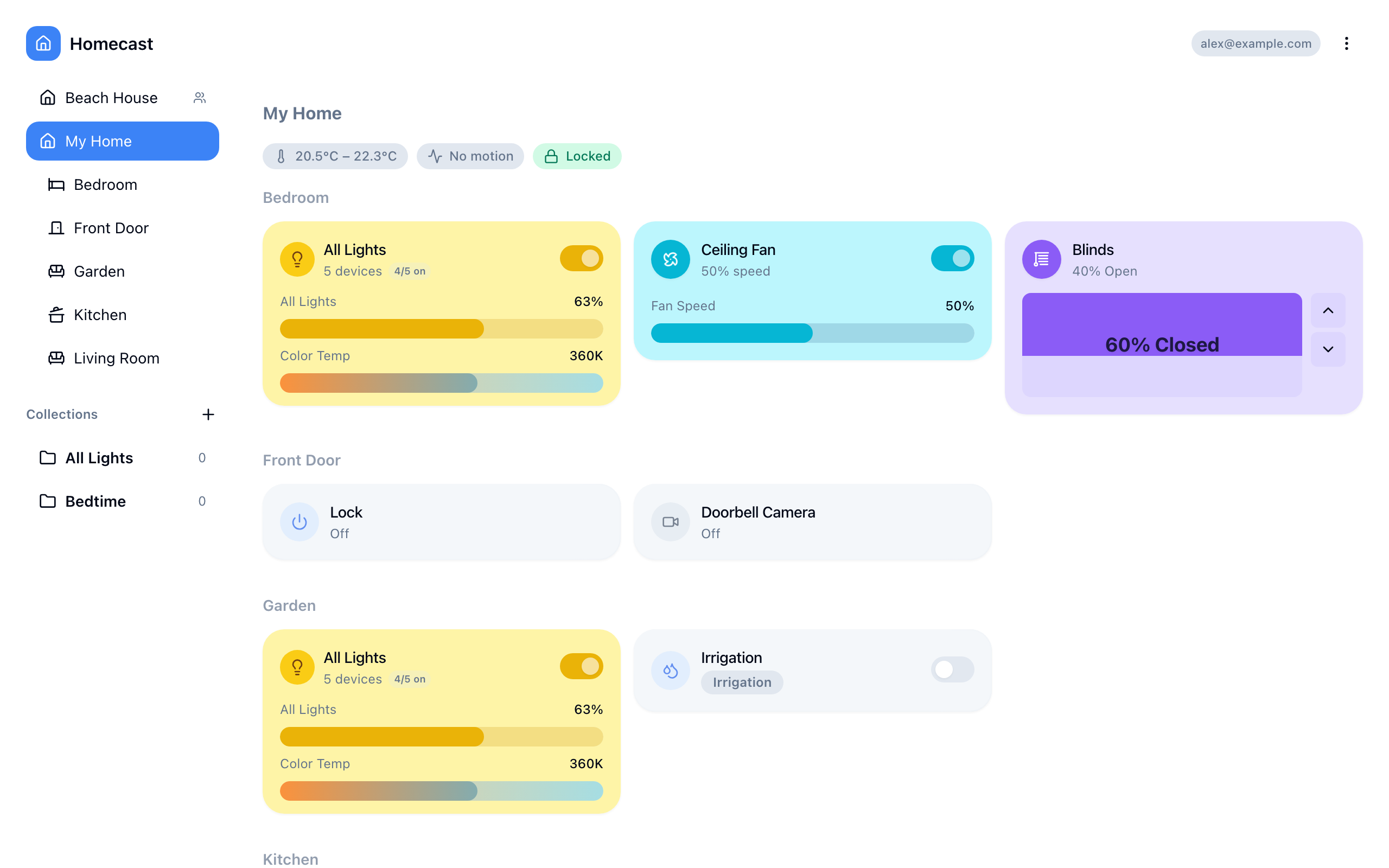
Homecast connects Apple HomeKit to open standards — control your smart home from anywhere via API, AI, or automation.

How it works

A Mac app on your home network acts as a relay between local HomeKit devices and the Homecast cloud server.

Your Home                    Cloud                      Remote Access
┌──────────────┐        ┌──────────────┐        ┌──────────────────┐
│ HomeKit      │        │   Server     │◄───────│ Web Browser      │
│ Devices      │        │              │ HTTP/WS│ Mobile App       │
│      ▲       │        └──────▲───────┘        │ AI Assistant     │
│      │       │               │                │ Scripts & Bots   │
│ ┌────┴────┐  │               │                └──────────────────┘
│ │ Mac App │──┼───────────────┘
│ │ (Relay) │  │   WebSocket
│ └─────────┘  │
└──────────────┘
  1. The Mac app runs on your home network with HomeKit permission
  2. It holds a persistent WebSocket to the cloud server
  3. Commands flow: Client → Server → Relay → HomeKit → Device
  4. State flows back: Device → HomeKit → Relay → Server → All clients

API surface

EndpointAuthUse case
GET/POST /JWTWeb and mobile app GraphQL
GET/POST /graphqlOAuth / TokenProgrammatic GraphQL access
GET/POST /rest/*OAuth / TokenSimple REST for scripts
GET/POST/DELETE /mcpOAuthAI assistant tool integration
WebSocket /wsJWTReal-time relay and client protocol

Reference

Complete API documentation for every endpoint, field, and protocol message.

  • Authentication — JWT, access tokens, OAuth 2.1
  • GraphQL — Full schema by domain
  • REST — State, scene, and background endpoints
  • WebSocket — Relay protocol, actions, events
  • MCP — AI assistant tools
  • Webhooks — Event delivery and signing
  • Sharing — Home members and entity access

Last updated: